Connect AI agent to WorkorAI profile with MCP
The developer job search has come a long way—no longer confined to sending static resumes into the void or sifting through endless, irrelevant listings. Today’s software professionals deserve a search that’s as dynamic, context-aware, and intelligent as the work they do. The rise of personal AI agents marks not just an evolution, but a transformation: context is now king. Still, even an AI assistant is only as smart as the data it draws from—which is why bridging your coding life with a true, living record of your skills and ambitions makes all the difference.
This guide goes beyond theory: you’ll learn how WorkorAI’s Talent Profile, connected via the Model Context Protocol (MCP), makes your agentic job search genuinely personal and profoundly efficient. The goal? Every search, suggestion, and filter is powered by who you really are as a developer—not just keywords, but a deep, evolving profile that moves your career forward.
Why Developer Context Transforms Job Search
While traditional job platforms try to keep up, they still operate on a foundation of outdated resumes, simplistic keyword matching, and guesswork. Such systems can’t capture your unique blend of skills, your preferred tech stacks, work-life flexibility desires, or your next-sprint aspirations. The result? Engineering leaders and growing devs alike spin their wheels sorting through opportunities that “almost fit” but never truly do.
The missing link is structured, up-to-date context. Most job boards and classic agents have no real-time window into who you are as a developer, what you seek, or what your current project flow looks like.
Now imagine the alternative: with a connected WorkorAI profile, personal AI agents tap directly into your actual context—salary expectations, remote preferences, stack depth, and even your current availability. Standard AI assistants may send you a list; WorkorAI-powered agents offer a conversation about opportunity, not transactions, all with practical insight into what suits your ambitions. (For deeper contrast between classic and agentic search, see "Agentic Job Search: How Your AI Agent Finds Fit-First Dev Roles".)
How the Model Context Protocol (MCP) Bridges Developer Profile and AI Agents
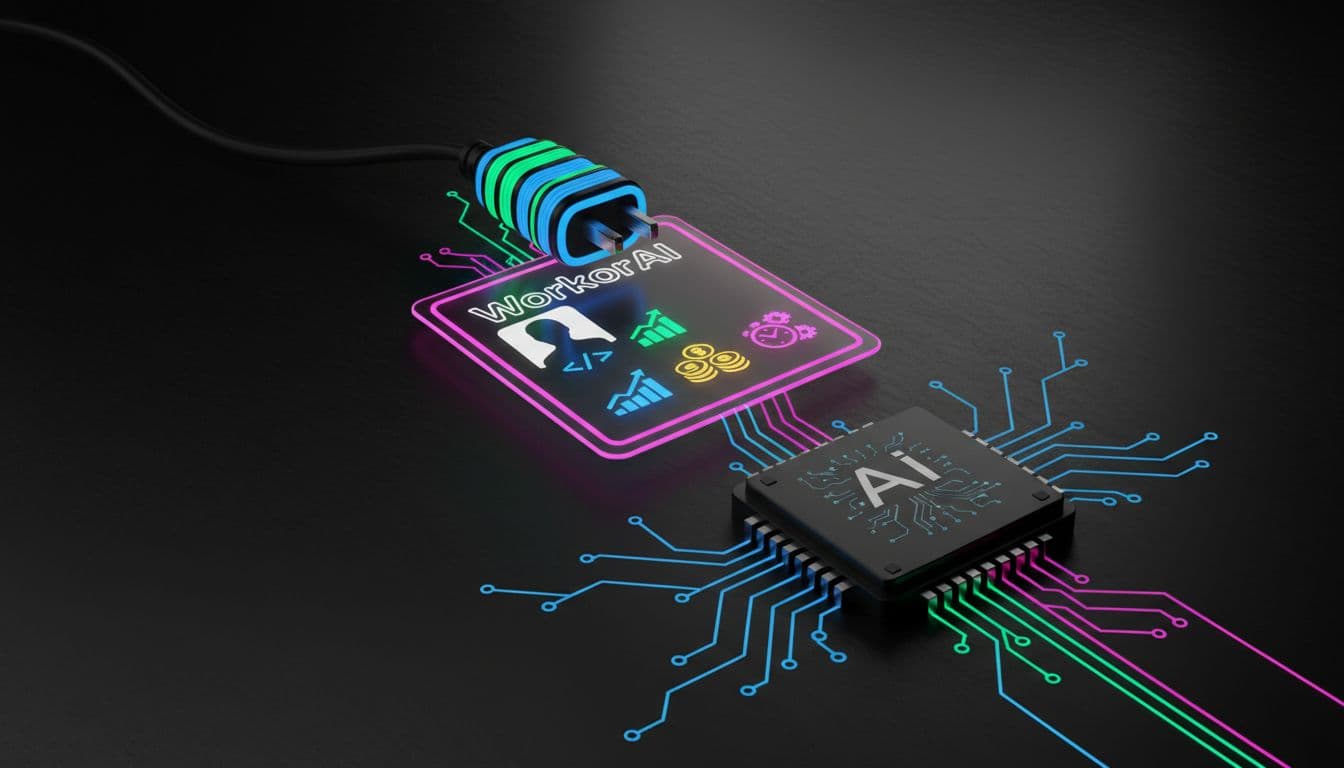
At the core of this technical leap is the Model Context Protocol—MCP, an open, secure standard that enables direct, permissioned context-sharing between your WorkorAI Talent Profile and any compatible AI agent you trust.
Think of MCP as a smart handshake: instead of spraying sensitive data everywhere, only the agent you approve gets a timely, structured look at your professional DNA. As a developer, you hold the MCP key. This token ensures only your chosen tools—your workspace, your Copilot, your favorite LLM—can access your up-to-date profile without compromising security or privacy.
No scraped data, no leaky spreadsheets—just powerful, developer-controlled connections. And if you ever want to pause or switch agents? Revoking access is as easy as updating a single key.
Getting Started: Step-by-Step Connection
Getting agentic with WorkorAI is designed for zero friction. Just follow this checklist:
- Create or update your WorkorAI Talent Profile at workorai.com/ai-agent. Input your current tech stack, experience level, salary requirements, location/remote preferences, and future goals.
- Choose your personal AI agent environment—Claude, Codex, Cursor, Gemini, GitHub Copilot, or any MCP-compatible agent.
- Obtain your unique MCP key from your WorkorAI profile dashboard.
- Install the WorkorAI agent kit by running:
npx @workorai/agent-kit install
- Paste your MCP key when prompted, confirming you control how (and with whom) your context is shared.
| Aspect | Classic Search | Agentic with WorkorAI |
|---|
| Data Freshness | Outdated resume | Live Talent Profile |
| Personalization | Manual filters | AI understands context |
| Matching Quality | One-size-fits-all | Stack, goals, salary |
| Workflow Integration | Separate from coding | Native in dev tools |
For a broader look at how agentic search upends legacy methods, see "AI Agent vs Job Board: 5 Ways WorkorAI Wins for Developers".
WorkorAI in Your Favorite Coding Environments
Whether you spend the day inside VS Code, experiment with Copilot, or use newer platforms like Antigravity or OpenClaw, WorkorAI Career Agent adapts seamlessly to your stack. With context-rich integration, these agents no longer throw random job picks your way—they reason about which roles suit your career arc, current learning sprint, or ideal team setup.
Picture a developer in the thick of a major refactor: instead of generic listings, their embedded agent, powered by their fresh WorkorAI profile, surfaces remote backend roles matching their exact stack and preferred salary band. It’s not just convenience—it’s a boost in focus, confidence, and velocity.
Industry voices echo this shift: "The time I save not chasing mismatched roles is only half the story. I finally feel my agent understands what I actually want next," shares a senior backend dev who adopted agentic search during a recent transition. (For more on real impact, see "WorkorAI Career Agent: Let AI Save Your Profile and Your Next Move".)
To learn more about WorkorAI and how it’s revolutionizing tech hiring and developer search, visit the WorkorAI website.
Related Topics
- Agentic job search as the future: Your AI agent isn’t just a tool—it's a recruiter, analyst, and negotiator, all driven by your unique WorkorAI context.
- Structured career context in AI-driven work: Precise, evolving profiles fuel advanced search and matching far beyond yesterday’s keyword filters.
- Security and privacy with MCP: You’re in command—share just as much as you want, instantly revoke, and use open standards designed for real safety.
FAQ
-
How is the WorkorAI Talent Profile different from a resume?
The Talent Profile is structured, live, and built for AI agents. It includes real-time skills, salary, goals, and working styles—far beyond what a traditional resume offers.
-
What is an MCP key and why do I need one?
The MCP key authenticates your connection between the WorkorAI Talent Profile and your chosen AI agent, ensuring secure and permissioned access to your career context.
-
Can I use WorkorAI with my existing coding agent or AI assistant?
Yes. WorkorAI is designed for compatibility with leading agentic environments like Claude, Codex, Cursor, Gemini, Copilot, and others supporting MCP.
-
What if I change my preferences or skills?
Update your WorkorAI Talent Profile any time—your connected AI agent will reflect those changes in future job matches and recommendations.
-
Is my data safe when using the Model Context Protocol?
Absolutely. MCP is an open, secure protocol; you control what your AI agent sees via your MCP key, and can revoke access at any time.
Conclusion
Embracing an agentic job search powered by your WorkorAI Talent Profile isn’t just a technical upgrade—it’s a pledge to work only with what’s relevant, timely, and truly fit for your ambitions. By integrating your context into your daily workflow, you turn every job opportunity into a reasoned step, not a shot in the dark. The result? Faster, sharper, profoundly better matches—and a developer journey as advanced as the tools you use.
Ready to experience the future of developer job search?
Set up your WorkorAI Talent Profile, grab your MCP key, and run
npx @workorai/agent-kit install
Connect your personal AI agent today and let your next role fit as perfectly as your cleanest code. Try it now and join the movement redefining how developers and opportunity finally connect.